
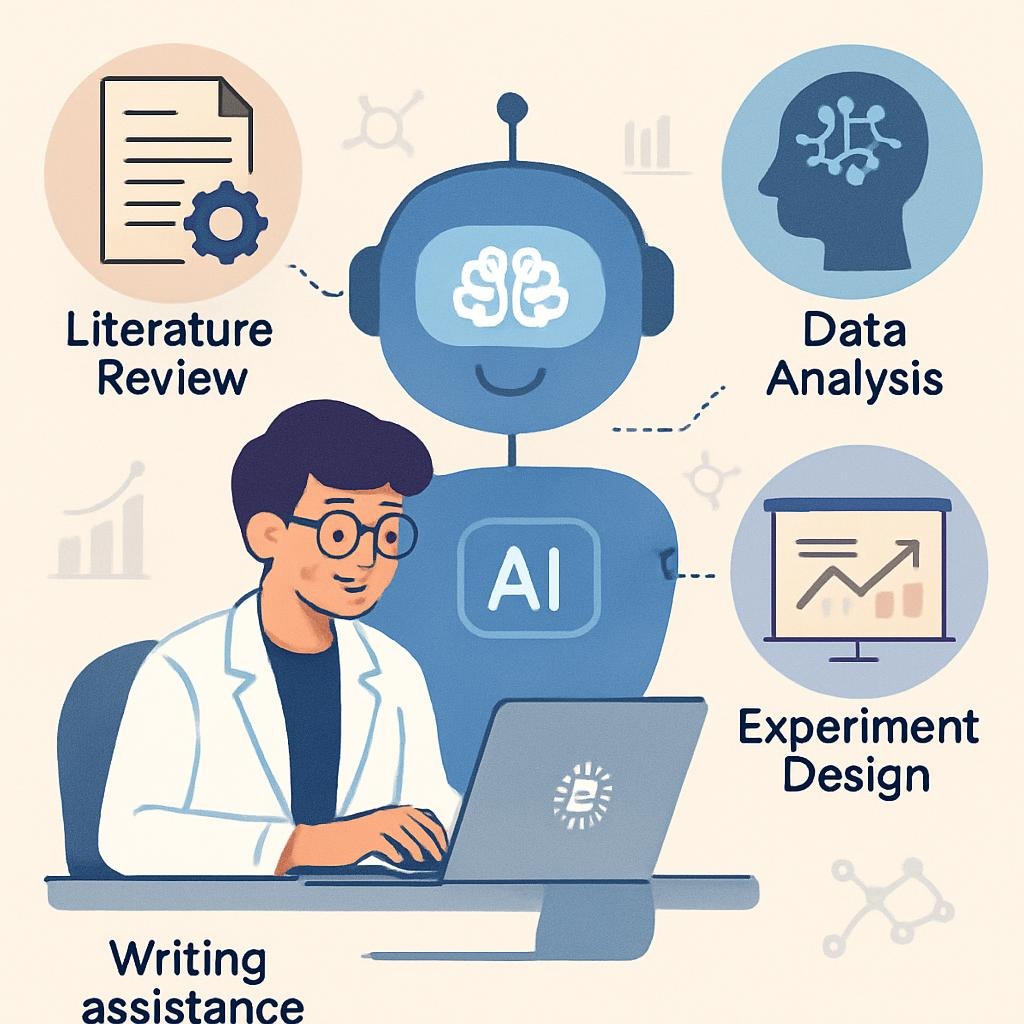
For years, researchers and postgraduate students have spent long hours searching for research papers, reading complicated PDFs, and trying to understand academic language. Whether you are doing a school project, diploma assignment, undergraduate research, or a postgraduate thesis, the process can be slow and challenging.
Today, artificial intelligence has changed the way researchers find information, organise notes, and write reports. With the correct tools and a simple workflow, you can speed up your research significantly while improving the quality of your work.
This guide explains essential AI tools for research and how to use them effectively.
1. Finding the Right Research Papers
AI tools now help you search smarter instead of manually browsing hundreds of links.
Elicit – https://elicit.org
Elicit searches a large database of academic papers and gives direct answers to your research questions.
How to use it:
- Visit https://elicit.org.
- Type your research question.
- Review the list of papers with short summaries.
- Filter results by study type, year, or method.
Research Rabbit – https://researchrabbit.ai
A visual tool that shows how authors, topics, and papers are connected.
How to use it:
- Start with one paper.
- Explore the visual network of related research.
- Identify influential authors and major research themes.
Connected Papers – https://connectedpapers.com
This tool maps out the “family tree” of research around your topic.
How to use it:
- Paste the title or link of a paper.
- View older, newer, and related studies.
- Identify gaps or less-explored areas.
2. Understanding and Summarising PDFs
AI tools can simplify complex academic papers.
ChatPDF – https://chatpdf.com
Upload any PDF and ask questions about its content.
How to use it:
- Upload the paper.
- Ask questions such as:
- “What is the research question?”
- “Summarise the methodology.”
- ChatPDF extracts and explains key information.
Humata – https://humata.ai
Similar to ChatPDF but offers faster responses for detailed sections.
NotebookLM – https://notebooklm.google
A powerful tool for deep understanding across multiple documents.
How to use it:
- Upload your papers.
- NotebookLM generates summaries, comparisons, and structured notes.
3. Organising Notes and Ideas
Glasp – https://glasp.co
Save online highlights and export them to Notion or Obsidian.
Obsidian – https://obsidian.md
A digital workspace that links your notes like a knowledge graph.
Lateral – https://lateral.io
Automatically categorises your notes under themes.
4. Writing and Improving Your Research Report
Jenni – https://jenni.ai
Helps expand outlines into academic paragraphs.
How to use it:
- Write bullet points.
- Expand them with AI assistance.
- Edit the output for clarity and accuracy.
Paperpal – https://paperpal.com
Improves grammar, clarity, and academic tone.
Writefull – https://writefull.com
Uses journal-level standards to check academic writing quality.
5. Bonus Tool: AI Feedback on Your Full Paper
Stanford Agentic Reviewer – https://paperreview.ai
Upload your full paper and receive reviewer-style feedback.
It highlights:
- unclear arguments,
- weaknesses in methodology,
- missing citations,
- structural issues.
Recommended AI Workflow for Any Student
Step 1: Find papers
Use Elicit or Perplexity (https://www.perplexity.ai).
Step 2: Understand papers
Use ChatPDF or NotebookLM.
Step 3: Organise notes
Use Glasp or Obsidian.
Step 4: Draft writing
Use Jenni or Paperpal.
Step 5: Final check
Use Writefull or the Stanford Agentic Reviewer.
Final Thoughts
AI will not replace your thinking. It simply removes unnecessary struggle so you can focus on analysis, interpretation, and originality.
Whether you are doing school-level research, undergraduate projects, or postgraduate thesis writing, adopting AI tools early will help you work faster and produce higher-quality research.





Leave a Reply