
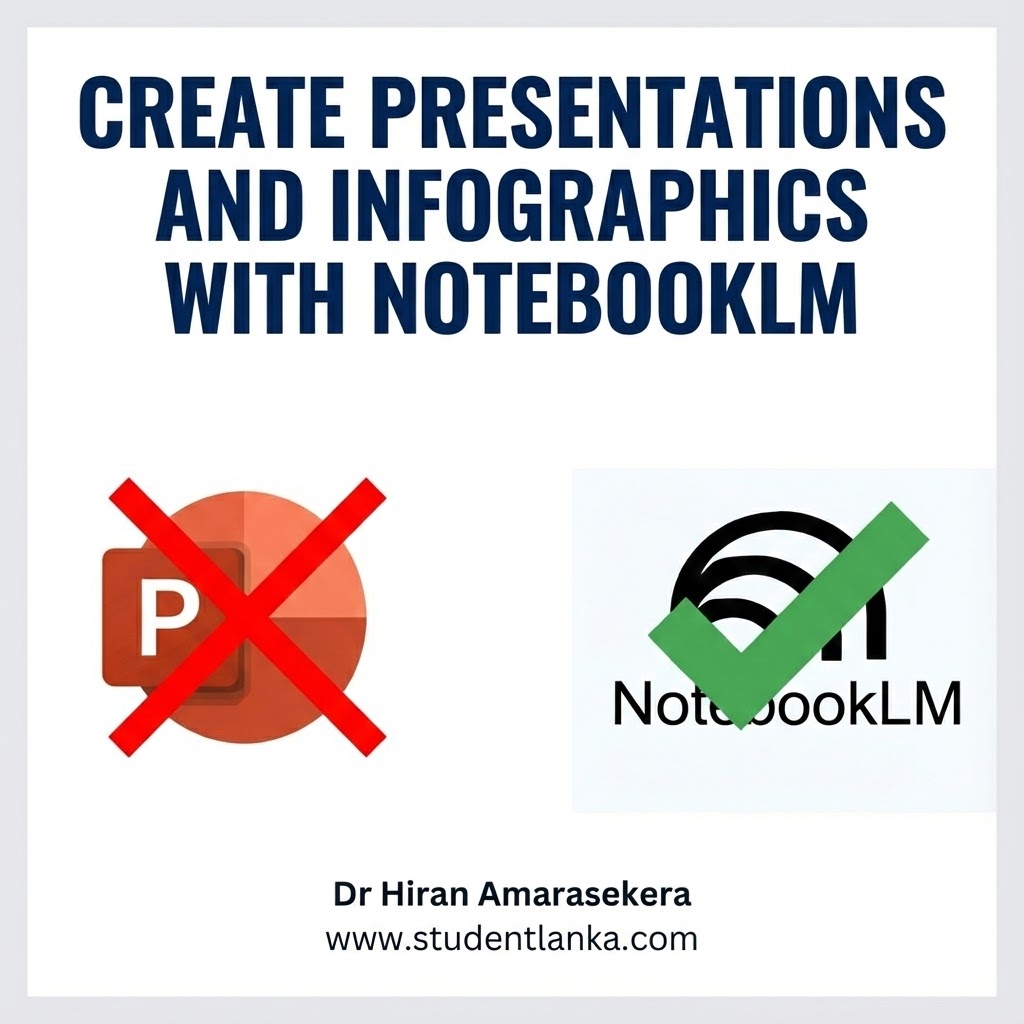
Are you tired of spending hours staring at a blank PowerPoint slide? We’ve all been there—trying to align text boxes, finding the right images, and struggling to make a presentation look professional. It’s time-consuming and, frankly, often frustrating.
But what if I told you there is a new, hidden gem from Google that can do the heavy lifting for you?
In our latest video, we explored Google NotebookLM, a powerful AI tool that is completely changing the game for students and professionals alike. Best of all? It’s 100% free.
The Problem with Traditional Presentations
For years, PowerPoint has been the standard. While tools like Canva and Gamma have appeared recently offering beautiful templates and AI features, they often come with a catch: the best features are locked behind a paywall. You might start a design only to realize you need a premium subscription to download it without a watermark.
Enter Google NotebookLM
NotebookLM is arguably the most underutilized tool in the Google ecosystem right now. It acts as a smart research assistant that can “read” your documents and help you create content from them.
Unlike ChatGPT or generic AI writers, NotebookLM is “grounded” in your specific documents. This means it generates content based exactly on what you feed it, making it perfect for summarizing lecture notes, textbooks, or old reports into fresh presentation slides.
How to Create Presentations with NotebookLM
Here is the simple workflow we demonstrated in the video:
- Access the Tool: Simply search for “NotebookLM” on Google and sign in with your account.
- Upload Your Source Material: This is where the magic happens. You don’t have to start from scratch. You can upload:
- An old, ugly PowerPoint presentation you want to improve.
- PDFs of your lecture notes or textbooks.
- Text files.
- Even YouTube video links!
- Let AI Augment Your Content: Once your sources are uploaded, NotebookLM analyzes the information instantly. It “augments” the data, understanding the core concepts and details.
- Generate Stunning Visuals & Slides: You can ask NotebookLM to generate a full Slide Deck or summarize content for slides. But it doesn’t stop there—it can also generate beautiful infographics. In our test, we uploaded a basic presentation, and NotebookLM helped us generate a far superior version, complete with ideas for visual infographics and structured content that beats the original standard PowerPoint.
Beyond Slides: 6 Other Amazing Things NotebookLM Can Create
NotebookLM isn’t just for presentations. It is a complete study and content creation engine. Once you upload your sources, you can instantly generate:
- Video Overviews: Transform your documents into engaging AI-narrated explainer videos with slides, images, and diagrams.
- Audio Overviews: Turn your notes into a “Deep Dive” podcast where two AI hosts discuss and debate your material—perfect for learning while you commute.
- Mind Maps: Visualize how different ideas connect with auto-generated branching diagrams.
- Quizzes & Flashcards: Automatically create practice questions and flashcards to test your knowledge before exams.
- Briefing Documents: Generate professional one-page summaries or “Briefing Docs” for meetings or quick reviews.
- Custom Reports: Need a specific format? You can ask it to create FAQs, study guides, or other custom reports based on your needs.
Why You Should Switch
- It’s Completely Free: Unlike Gamma or advanced Canva features, NotebookLM doesn’t cost a rupee.
- Time-Saving: It condenses hours of reading and summarizing into seconds.
- Better Quality: The AI helps structure your thoughts logically, ensuring your presentation flows better than if you just threw bullet points onto a slide.
- Versatile: It handles audio, video, and text inputs seamlessly.
Final Thoughts
If you are a student in Sri Lanka looking to ace your next assignment without spending days on slide design, you need to try this tool. It is a total game-changer for academic work and professional presentations.
Want to see it in action?
We have created a full step-by-step tutorial on how to use NotebookLM to revolutionize your workflow.
[PASTE YOUTUBE VIDEO LINK OR IFRAME HERE]
Don’t forget to Like and Follow StudentLanka for more daily tech tips and study hacks!
Tags: Google NotebookLM, AI Presentation Tools, StudentLanka, Study Hacks, Free PowerPoint Alternative, AI Infographics, Audio Overview, Mind Mapping Tools, Sri Lanka Education, Technology News





Leave a Reply