
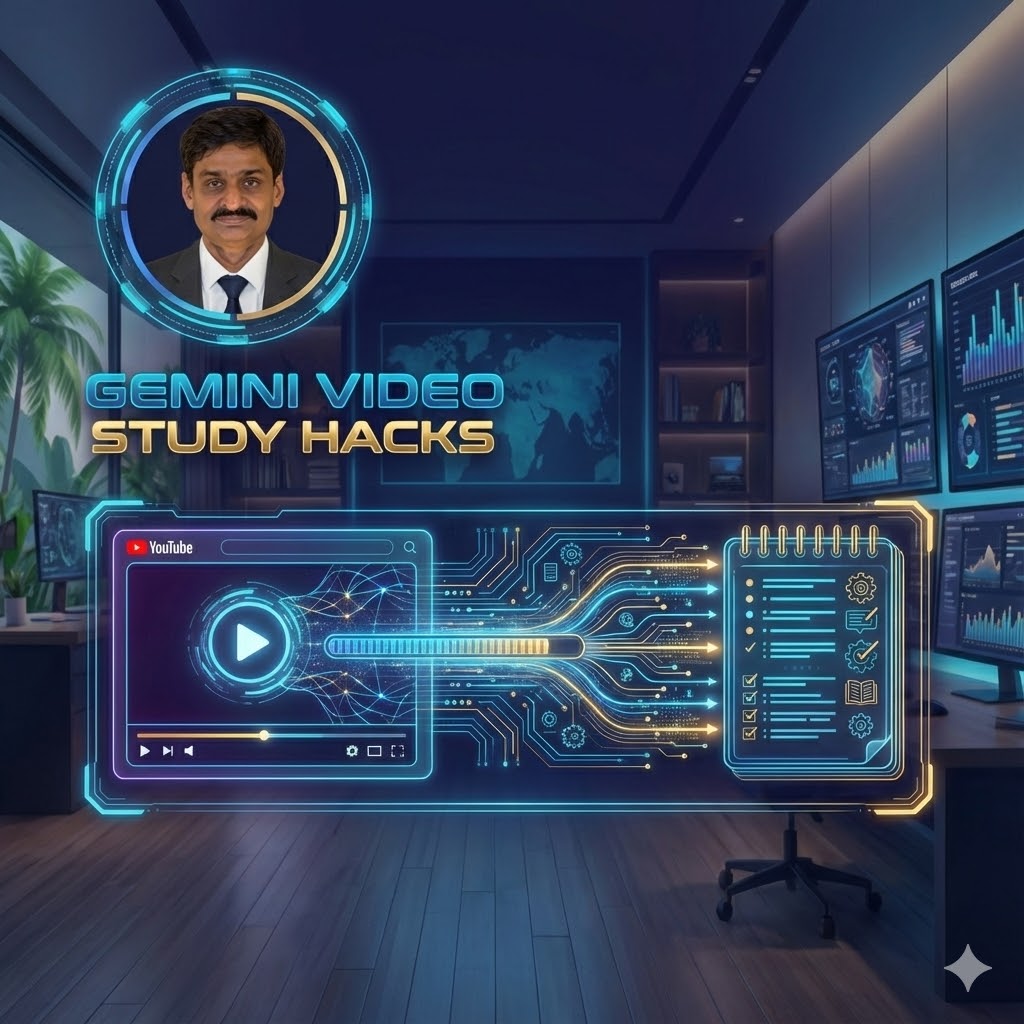
Are you tired of watching 2-hour long lecture videos or tutorials just to find one specific piece of information? You are not alone.
For students and professionals in Sri Lanka, time is money. Whether you are revising for A/Ls, catching up on university lectures, or trying to learn a new skill on YouTube, watching videos at 2x speed isn’t enough anymore.
Enter Google Gemini.
With the right prompts, you can turn Gemini (Google’s AI) into your personal research assistant. It can watch the video for you and hand you the notes, the to-do lists, and the summaries in seconds.
In this guide, we’ve compiled the Top 10 Prompts to master video learning—including a special trick using Google’s new NotebookLM.
How to Use These Prompts
- Open Google Gemini. gemini.google.com
- Copy the URL of the YouTube video you need to study.
- Paste the URL into Gemini.
- Copy and paste one of the prompts below.
- The Fast Summary (For Quick Revision)
Best for: When you don’t have time to watch the whole lecture.
Copy this Prompt:
“Watch this video and give me a 3-paragraph summary. Paragraph 1: What is the main topic? Paragraph 2: What are the three most important points? Paragraph 3: What is the final conclusion?”
- The To-Do List (For Tutorials)
Best for: Watching “How-to” videos or meeting recordings where you need to take action.
Copy this Prompt:
“Based on this video, create a checklist of action items. What specific steps does the speaker tell the audience to take? Please use bullet points.”
- The NotebookLM Audio Hack (The Game Changer)
We swapped the standard prompt here for something better.
If you are tired of reading, use Google NotebookLM (www.notebooklm.google.com) to turn your video into a Podcast. This is perfect for listening while traveling on the bus or train.
How to do it:
- Go to notebooklm.google.com.
- Create a new notebook.
- Add your YouTube video link as a “Source”.
- Click “Generate Audio Overview”.
Result: NotebookLM will generate a realistic discussion between two AI hosts explaining the video content. It sounds exactly like a real radio show!
- The Step-by-Step Guide
Best for: DIY videos, coding tutorials, or math problems.
Copy this Prompt:
“Turn this video into a written instruction manual. Number the steps from 1 to 10 so I can follow along without watching the video again.”
- Explain Like I’m 10 (ELI5)
Best for: Complex science topics, philosophy, or difficult theories.
Copy this Prompt:
“Rewrite the content of this video as if you were explaining it to a 10-year-old student. Use simple words and analogies to explain the hard concepts.”
- Read the Screen (OCR Helper)
Best for: When the lecturer moves through PowerPoint slides too fast.
Copy this Prompt:
“Look at the visual slides or diagrams shown in the video. Write down any important text that appears on the screen but was not spoken out loud by the speaker.”
- The Best Quotes
Best for: Finding inspiration for an assignment or a social media caption.
Copy this Prompt:
“Extract the 5 most powerful or memorable quotes from this video. Include the timestamp (minutes:seconds) for exactly when each quote happens.”
- The Fact Checker
Best for: Research papers where credibility matters.
Copy this Prompt:
“Analyze the arguments made in this video. Are there any contradictions? Does the speaker say one thing at the beginning and something different at the end? Check for potential bias.”
- Questions & Answers (Exam Prep)
Best for: Preparing for exams based on interview clips or Q&A sessions.
Copy this Prompt:
“List every question that was asked in this video, and summarize the answer given for each one.”
- Turn Into an Email
Best for: Group projects when you need to update your team.
Copy this Prompt:
“Write a short email to my team summarizing this video. The tone should be friendly and helpful. Highlight why they should care about this topic.”
Final Thoughts
AI isn’t here to do the learning for you—it’s here to help you learn faster. By using these Gemini prompts, you can skip the fluff and focus on the core knowledge.
Have you tried NotebookLM yet? Let us know in the comments below!
Tags: #Education #SriLanka #AI #Gemini #StudyTips #StudentLanka




Leave a Reply